Back to LXM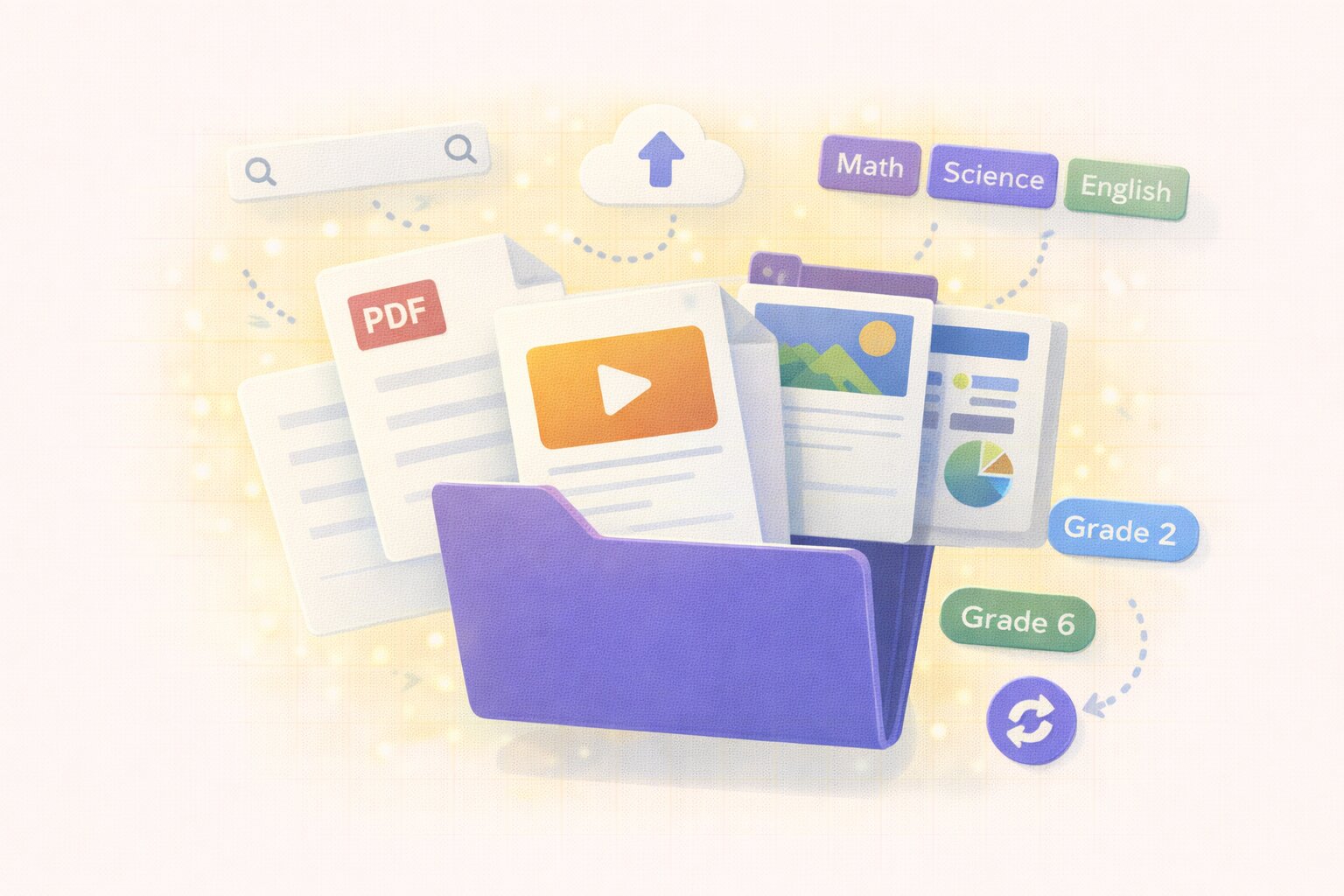
LXM
Content Library
Upload videos, documents, presentations, and interactive content. Organize by subject or grade.
Key Features
Centralized Resources
Store all teaching materials in one searchable location. No more hunting through folders or email attachments.
- Single source of truth
- Cloud-based storage
- Accessible anywhere
- Always up to date
Multi-Format Support
Upload PDFs, videos, presentations, images, and documents. Support for all common file types teachers use.
- PDF documents
- Video files (MP4, etc.)
- PowerPoint/Slides
- Images and graphics
Smart Organization
Browse by subject, grade level, competency code, or topic. Find the right resource in seconds with powerful search.
- Subject categorization
- Grade level filtering
- Competency code tags
- Full-text search
Shareable Templates
Create personal templates or share department-approved resources. Build a knowledge base that grows over time.
- Personal resource folders
- Department collections
- Approved materials library
- Easy sharing controls
Version History
Track changes and revert to previous versions when needed. Never lose your work or wonder which version is current.
- Automatic versioning
- Change tracking
- Easy rollback
- Compare versions
Built for Everyone
For Teachers
- Find the right resource in seconds
- Save exemplary lessons for next year
- Share materials with colleagues
For Department Heads
- Curate approved materials for your subject area
- Maintain quality standards
- Review submitted resources
For Administrators
- Build an institutional knowledge base that grows with your school
- Ensure consistent materials across campuses
- Monitor resource usage